

Skip to content
Roosh Technologies

Case study · In-house software

Roosh Ticketing Solutions (RTS)

Roosh’s own support platform: customers, their sites and the systems we look after, tickets raised from the portal or straight from email, and a portal where customers follow their requests.

  • Email to ticket
  • Customer portal
  • Supported systems & periods
  • Sites & contacts
  • Ticket statuses & issue types
  • Amazon SES & S3
  • Login codes (MFA)
  • IP access control
Roosh Ticketing Solutions (RTS)

Overview

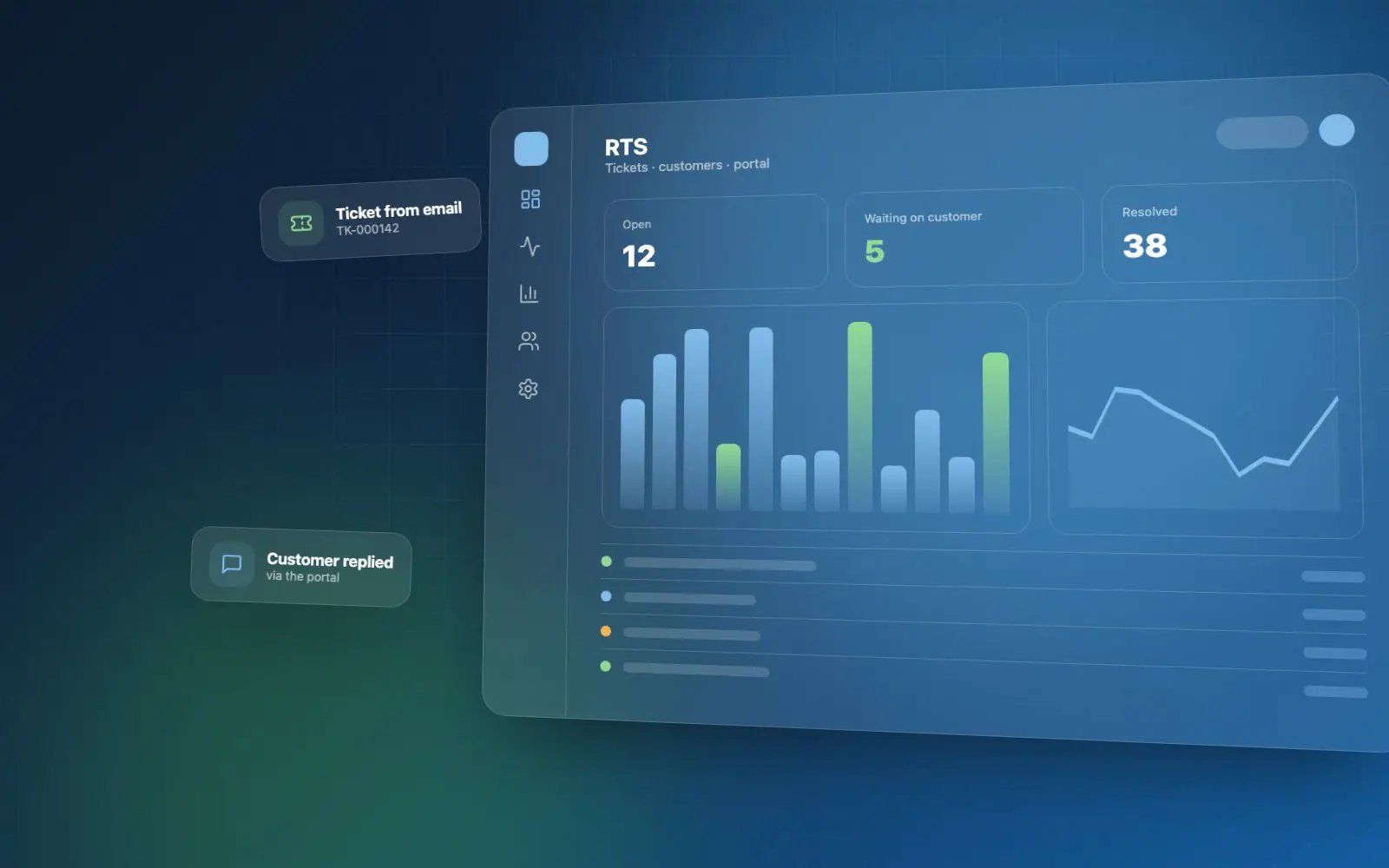
RTS is the system Roosh built to run its own support desk. It keeps every customer, site, contact and the systems we install or support in one place — with how long each is supported — and turns requests from the portal or from email into numbered tickets the team works through to the end.

The challenge

Support needs one place for every request to land.

Requests reach a support team by email to several mailboxes, and the details that matter — which customer, which site, which system, and whether it is still under support — easily end up in different places. Roosh wanted every request numbered, tied to the right customer and system, and visible to the customer as well.


What Roosh delivered

A ticketing system built around how Roosh supports customers.

Roosh designed and built RTS on its own stack: customers with their sites, contacts and email domains; the projects and systems each one is supported on, with installed-on and support-until dates; numbered tickets with statuses, issue types, priorities and assignees; email that becomes tickets automatically; a customer portal switched on per customer; and secure sign-in with full logs.

Key capabilities

What the work covers.

Customers & what we support

0 of 4 connected
  • Customers, sites & contacts

    Each customer starts with a primary site and contact; billing, postal and other sites and more contacts are added as needed.

  • Supported systems

    The projects Roosh supports for a customer — one of Roosh’s own systems or the customer’s own — each with an installed-on and a support-until date.

  • Email domains

    A customer’s email domains tell RTS who an incoming email belongs to, so it lands on the right account.

  • Notes & documents

    Notes with images and @mentions, and file uploads on any record.

Tickets

0 of 4 connected
  • Numbered tickets

    Every request gets a number like TK-000042, with a status, issue type, priority and assignees, raised against a customer’s supported system.

  • Email to ticket

    The Gmail or Workspace mailboxes customers write to are read automatically: a new email opens a ticket for the sender’s company; a reply with the ticket number is added to that ticket.

  • Ticket emails

    Customers and staff are emailed as tickets are raised and updated, with screenshots kept inline.

  • Search & filters

    Find any ticket by customer, system, status or issue type across both Roosh projects and customers’ own systems.

Customer portal

0 of 2 connected
  • Portal access per customer

    Turned on per customer, with an optional last day; staff then invite that customer’s contacts by email to set a password.

  • Access that ends cleanly

    When a customer’s access is switched off or passes its last day, its contacts can’t sign in and are signed out at their next request.

Platform & security

0 of 3 connected
  • Cloud storage

    A file browser with folders; files move to Amazon S3, with progress, as soon as the bucket is set up.

  • One searchable settings list

    Customer types, industries, projects, issue types, ticket statuses, locations, email and mailboxes — all under one searchable list.

  • Secure sign-in

    Email login codes (MFA), invites, IP access control, and activity, sign-in and email logs.

Integrations

How requests flow in — and replies flow out.

RTS listens to the mailboxes customers already use and sends every email through Amazon, so support works the way customers already ask for it.

RTS

0 of 6 connected

Gmail & WorkspaceCustomer mailboxesConnecting
Inbound webhookMail services
Amazon SESOutgoing email
Amazon S3Files & attachments
Customer portalContacts sign in
Security logsEvery sign-in & email
  • Gmail & Workspace

    Support mailboxes are read over IMAP; each unread email becomes a ticket or a reply on one.

  • Inbound webhook

    A mail service can post incoming email straight in, with the same matching as the mailboxes.

  • Amazon SES

    Invites, password resets, login codes and ticket notifications are all sent through Amazon SES.

  • Amazon S3

    Attachments and documents are stored in Amazon S3, moved across automatically once it is configured.

  • Customer portal

    Customer contacts sign in to raise tickets and follow their own requests.

  • Security logs

    Sign-ins, activity and every incoming and outgoing email are logged for review.

Outcome

With RTS, every support request is numbered and tied to the right customer, site and system — and customers can follow their own tickets in the portal instead of having to ask.

Have a similar software project in mind?

Talk to Roosh about building software for your business — from an idea through to a supported production system.