

Skip to content
Roosh Technologies

Case study · Software delivered

MotorCom Automotive Platform

A dealership management system and customer website, designed, built and supported by Roosh, running MotorCom's multi-yard vehicle sales and operations.

  • Multi-yard stock
  • Online VOSA signing
  • Workflow boards
  • Enquiries to opportunities
  • Customer accounts
  • Dealership reports
  • Nichibo & FuelSaver
  • Trade Me & AutoTrader
MotorCom Automotive Platform

Overview

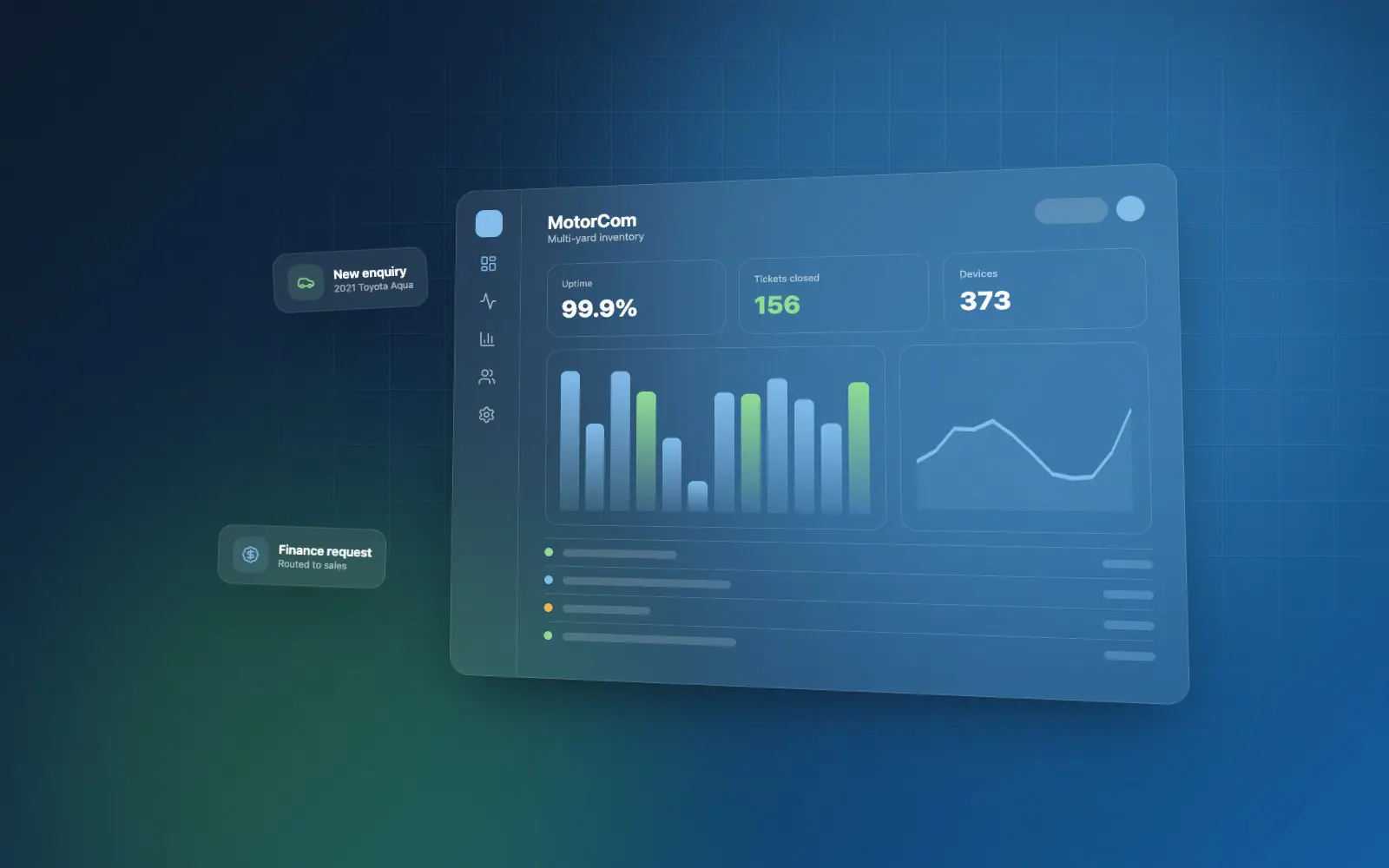
MotorCom sells vehicles from several yards across New Zealand. Roosh designed and built the platform that runs the business: a staff admin for stock, costs, sales, workflows and reporting, and the public website customers browse, enquire and sign up on. Both share one database, so a change in the yard shows on the website straight away.

The challenge

One business, many yards — and too many separate tools.

Stock, costs, enquiries and sales lived in different places, from an older dealership system to spreadsheets and import feeds. MotorCom needed one platform that every yard could use, that kept the website accurate without re-keying, and that showed managers what was selling, what was stuck and what still needed doing.

What Roosh delivered

A dealership system and customer website in one.

Roosh delivered a staff admin and a customer website on a shared API: vehicle stock with photos, documents and full change history; purchase and expense costs; enquiries that become sales opportunities; a sales register with online agreement signing and delivery sign-off; workflow boards for every vehicle and sale; reports; and a website the team edits themselves — connected to the data feeds and marketplaces the yards rely on.

Key capabilities

What the work covers.

Stock & costs

0 of 4 connected
  • Multi-yard stock

    Every vehicle in one register across all yards — make, model, specs, status, pricing and location, with makes and models from the NZTA Motor Vehicle Register.

  • Photos, documents & history

    Cover photos, galleries and documents by category, features, CIN and notes — with a history of every change made to a vehicle.

  • Purchase & expense costs

    Purchase and expense entries per vehicle with suppliers and tax types; staff can capture an expense from a receipt photo.

  • Stock audit

    A daily check of what's outstanding at each branch — not yet on the website, no CIN, short of photos — sent to branch managers each morning.

Sales & handover

0 of 5 connected
  • Enquiries become opportunities

    Every website enquiry — vehicle, test drive, finance, trade-in or contact — creates a sales opportunity that moves from new to won or lost.

  • Sales register & payments

    Sales with their payments; completing a sale locks the vehicle's record so the deal stays as agreed.

  • Online VOSA signing

    Staff send the Vehicle Offer and Sale Agreement as a link; the purchaser reads it and signs on screen.

  • Handover & delivery

    A sale in progress starts its handover workflow, and delivery is checked and signed off on screen.

  • Workflow boards

    Kanban boards with a card per vehicle or sale, plus tasks, comments and attachments, so every team sees what's next.

Customer website

0 of 5 connected
  • Vehicle search & listings

    Customers filter by make, model, price, fuel and more, and see full listings with photos and fuel ratings.

  • Customer accounts

    Sign up with email or Google, Facebook, Apple or X; save favourites and follow their own enquiries and the team's replies.

  • Finance, trade-in & test drives

    Customers start a finance enquiry, a trade-in or a test-drive booking from the vehicle they're viewing.

  • Chat & WhatsApp

    Live chat and a WhatsApp button, with conversations answered by staff from the admin.

  • Edited by the team

    Pages, the home page, inventory display, reviews, FAQs and the announcement bar are all managed in the admin — no developer needed.

Reporting & control

0 of 3 connected
  • Dealership reports

    Monthly, stock, sales, aging stock, salesperson profitability, reconditioning cost and a lead-to-sale funnel, by yard and period.

  • Roles & permissions

    Roles with view, create, update and delete rights per module, and each user limited to the locations they work at.

  • Secure sign-in

    Email sign-in codes (MFA), IP access control, and activity and email logs for every account.

Integrations

Connected to the data and channels a dealership runs on.

The platform pulls in the data each vehicle needs and pushes listings out to where buyers look — so staff aren't re-typing the same details in several places.

MotorCom

0 of 8 connected

Nichibo importJapanese auction stockConnecting
FuelSaver ratingsOfficial NZ fuel economy
NZTA vehicle registerMakes, models & variants
Connected websiteLive stock & enquiries
Trade Me & AutoTraderMarketplace listings
Amazon SESEmail delivery
Amazon S3Photo & file storage
AI descriptionsListing copy & summaries
  • Nichibo import

    Vehicles bought through Nichibo are imported with their purchase details and reconciled, instead of being keyed in by hand.

  • FuelSaver ratings

    Each vehicle gets its official FuelSaver fuel economy and safety rating for the listing.

  • NZTA vehicle register

    Makes, models and variants come from the NZTA Motor Vehicle Register, keeping vehicle data consistent.

  • Connected website

    The customer website runs on the same platform as the admin, so stock, prices and photos are live as soon as staff save them, and every enquiry lands straight back with the team.

  • Trade Me & AutoTrader

    Vehicles are listed, updated and taken down on the marketplaces from the admin, with AutoTrader leads coming back in.

  • Amazon SES

    Sign-in codes, enquiry notifications and customer emails are sent through Amazon SES.

  • Amazon S3

    Vehicle photos and documents are stored on Amazon S3, kept off the application server.

  • AI descriptions

    AI drafts vehicle descriptions and summaries for staff to review, saving time on every listing.

Outcome

MotorCom runs its yards on the platform every day — stock, costs, enquiries, sales and the customer website in one place — and Roosh continues to develop and support it as the business grows.

Have a similar software project in mind?

Talk to Roosh about building software for your business — from an idea through to a supported production system.